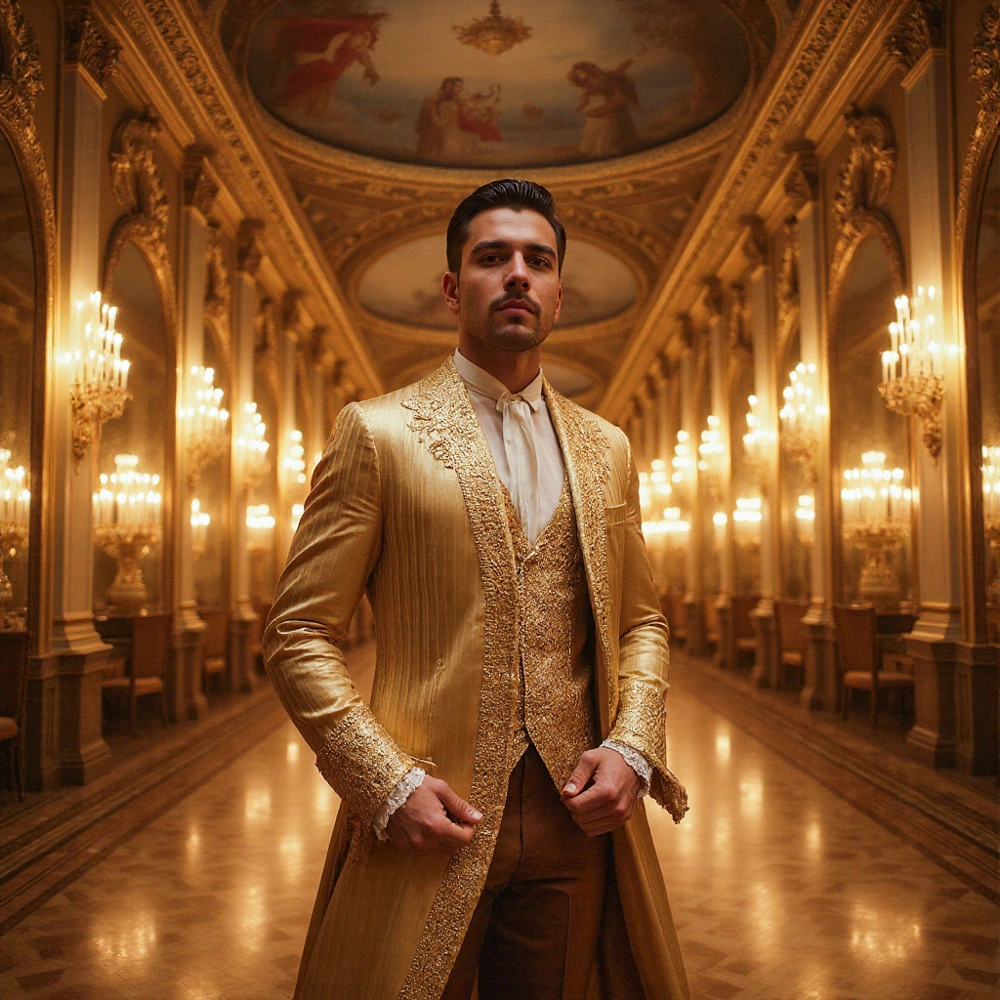
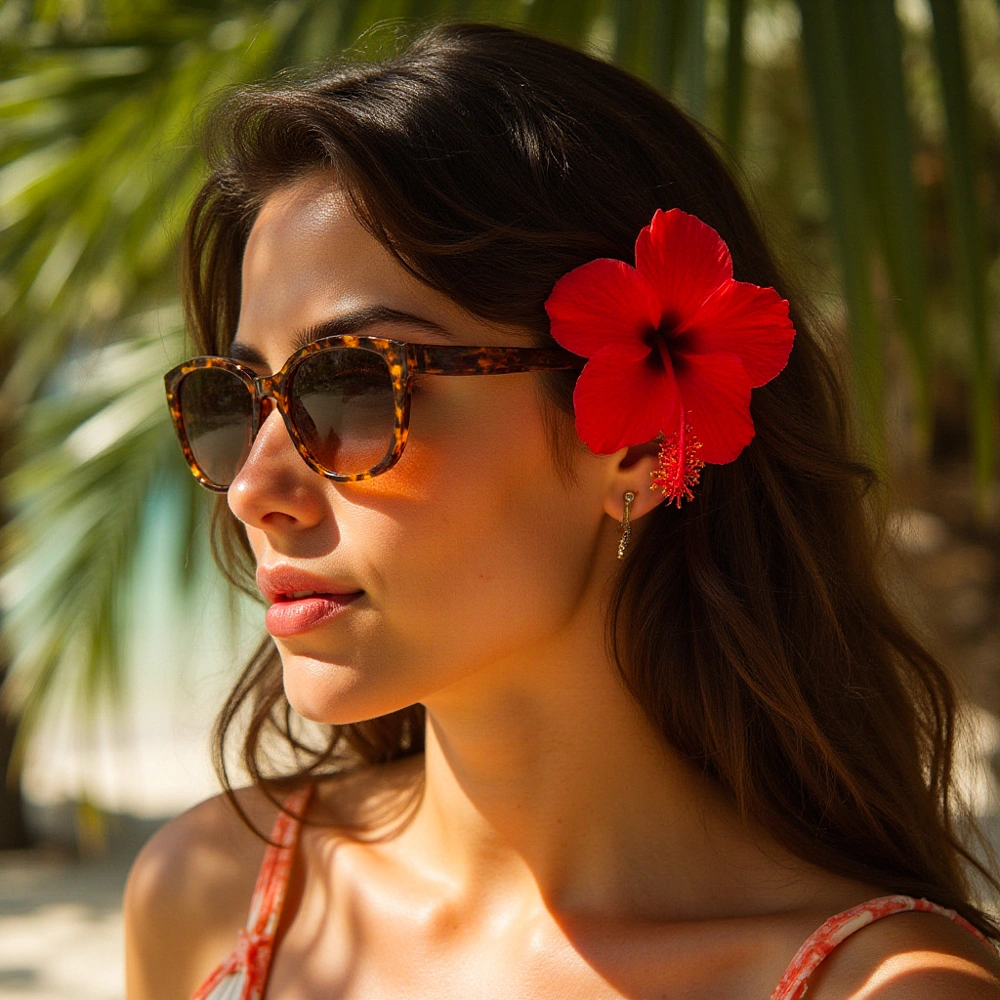
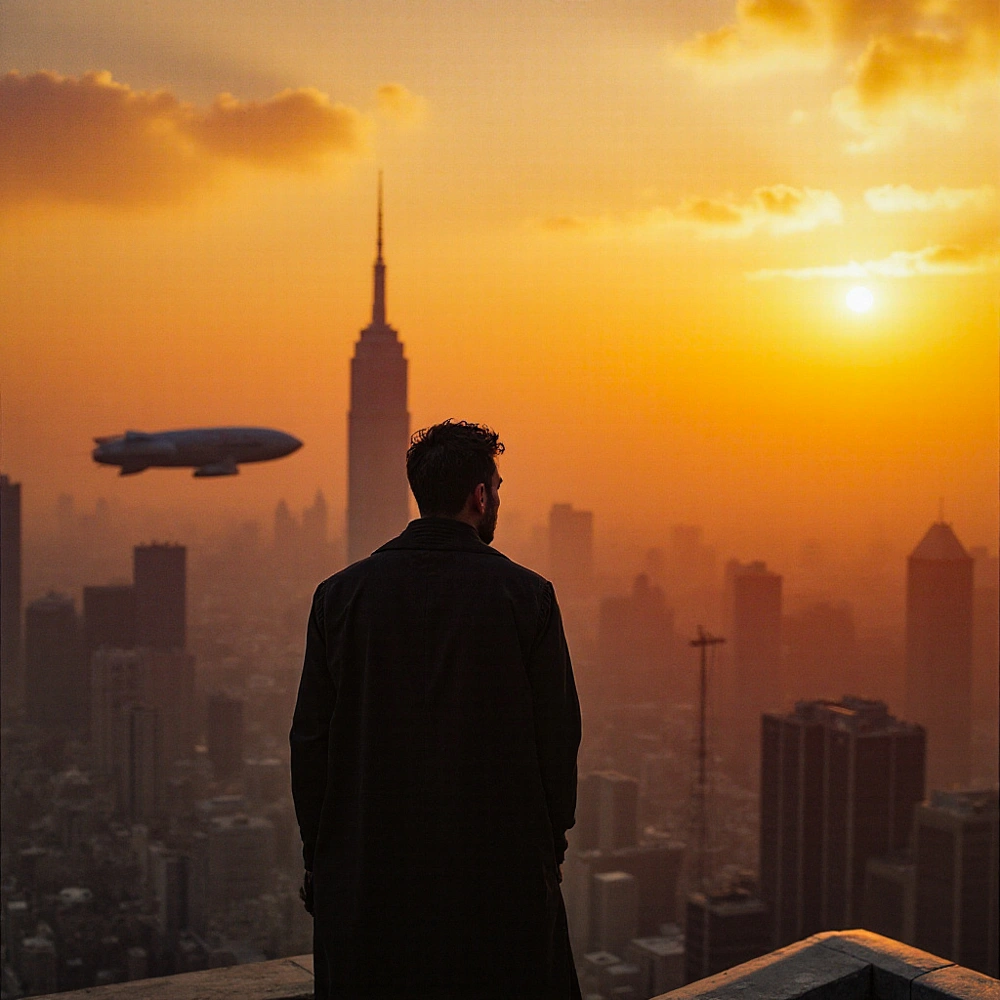
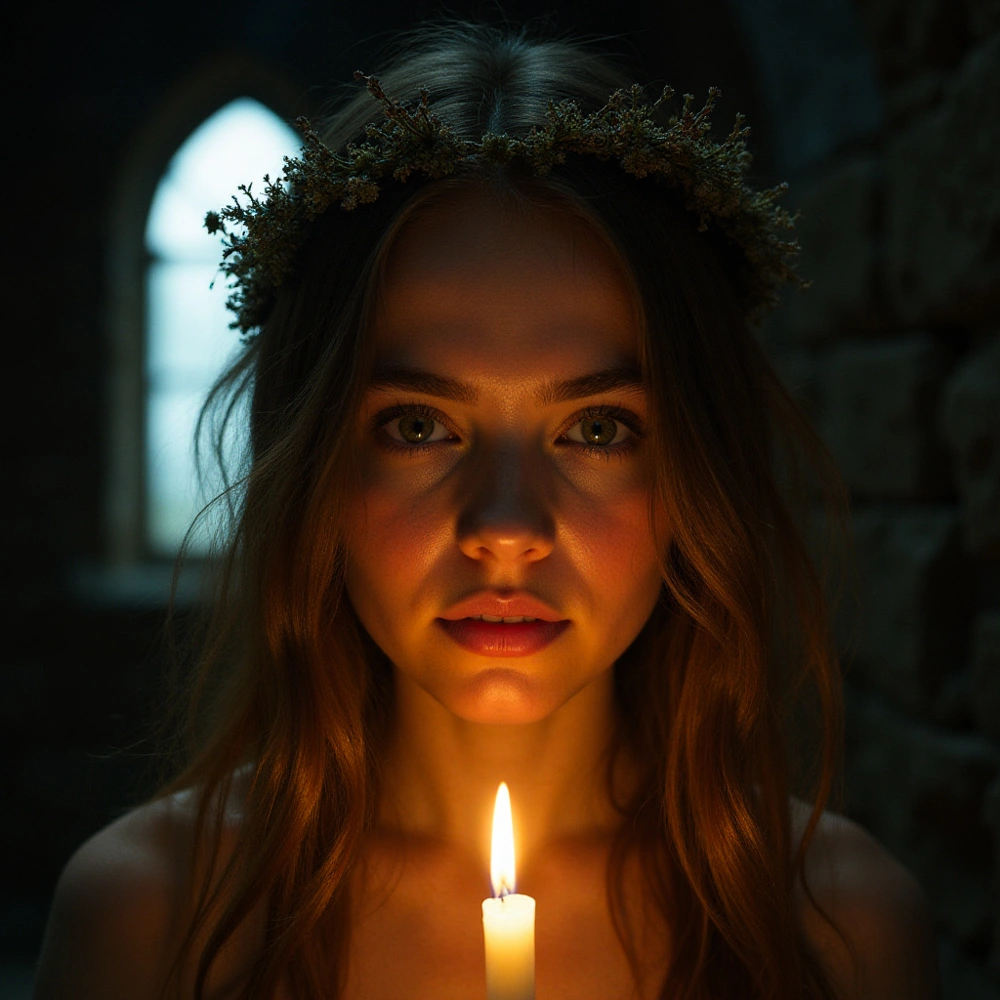
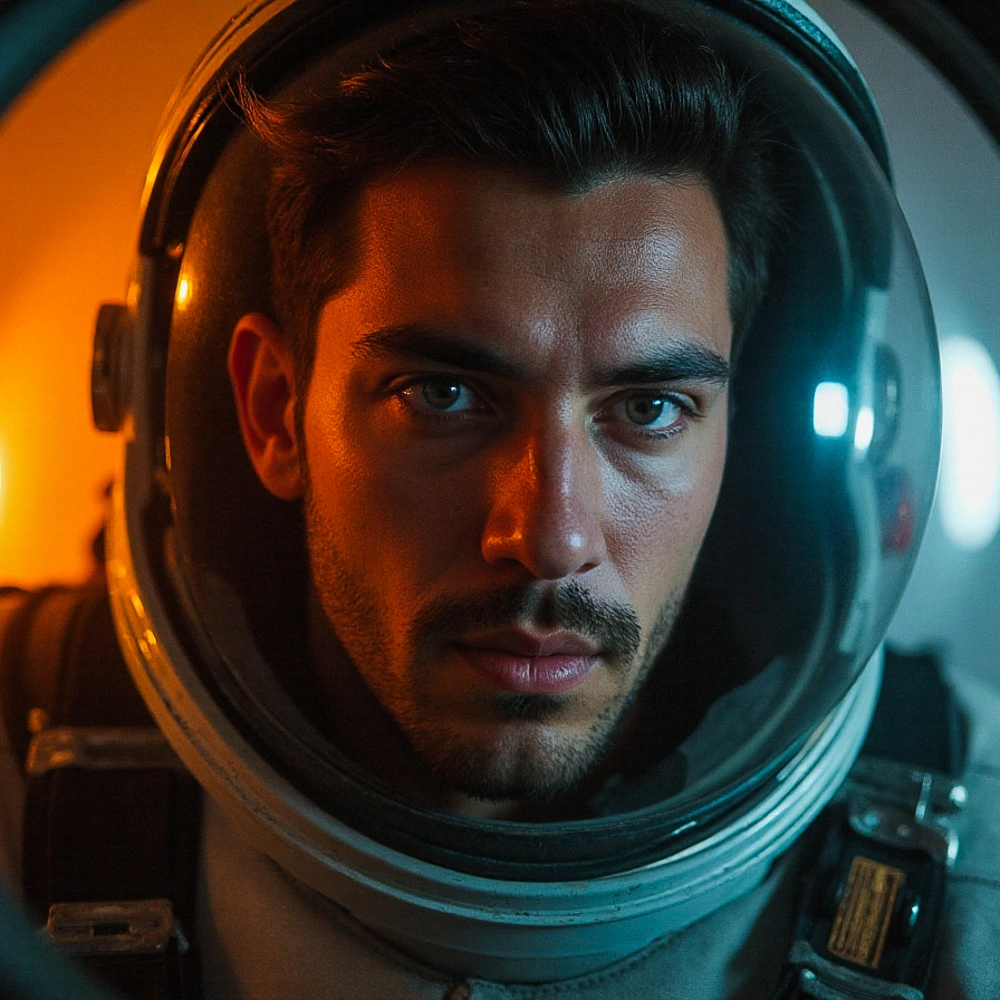
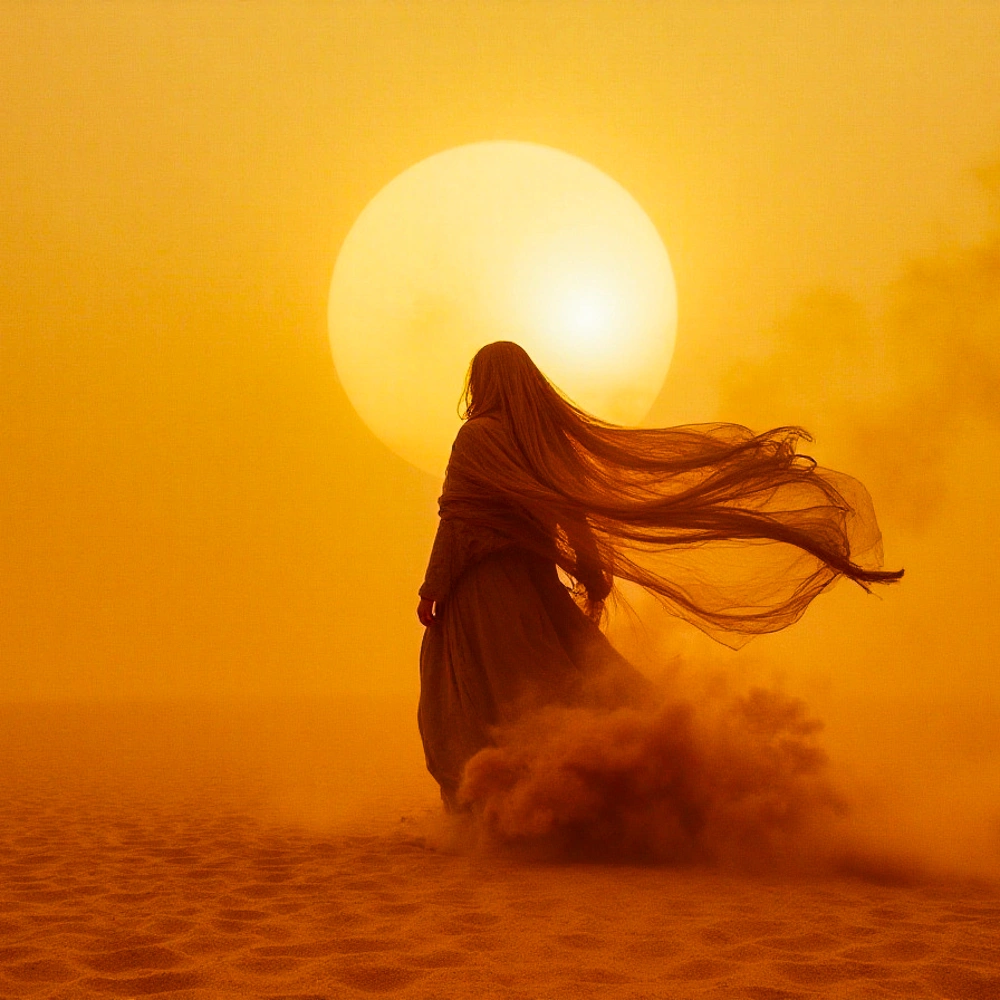
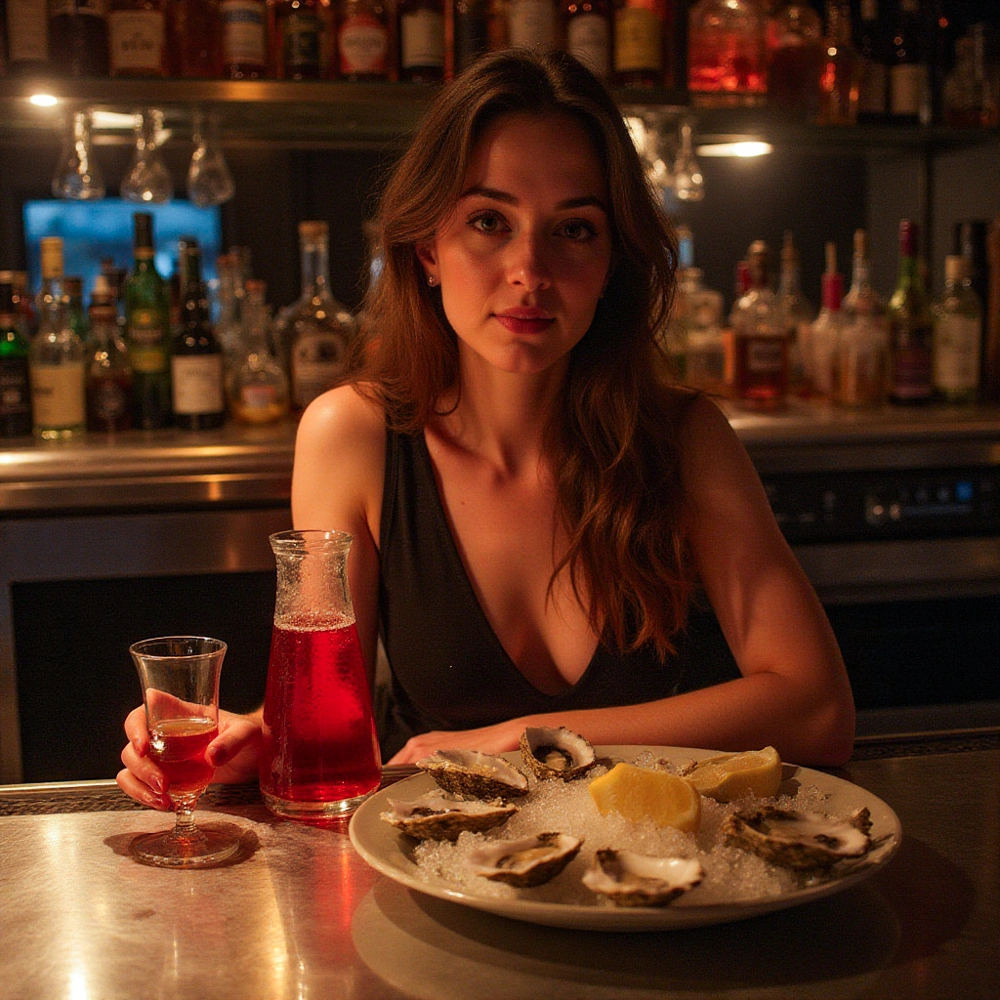
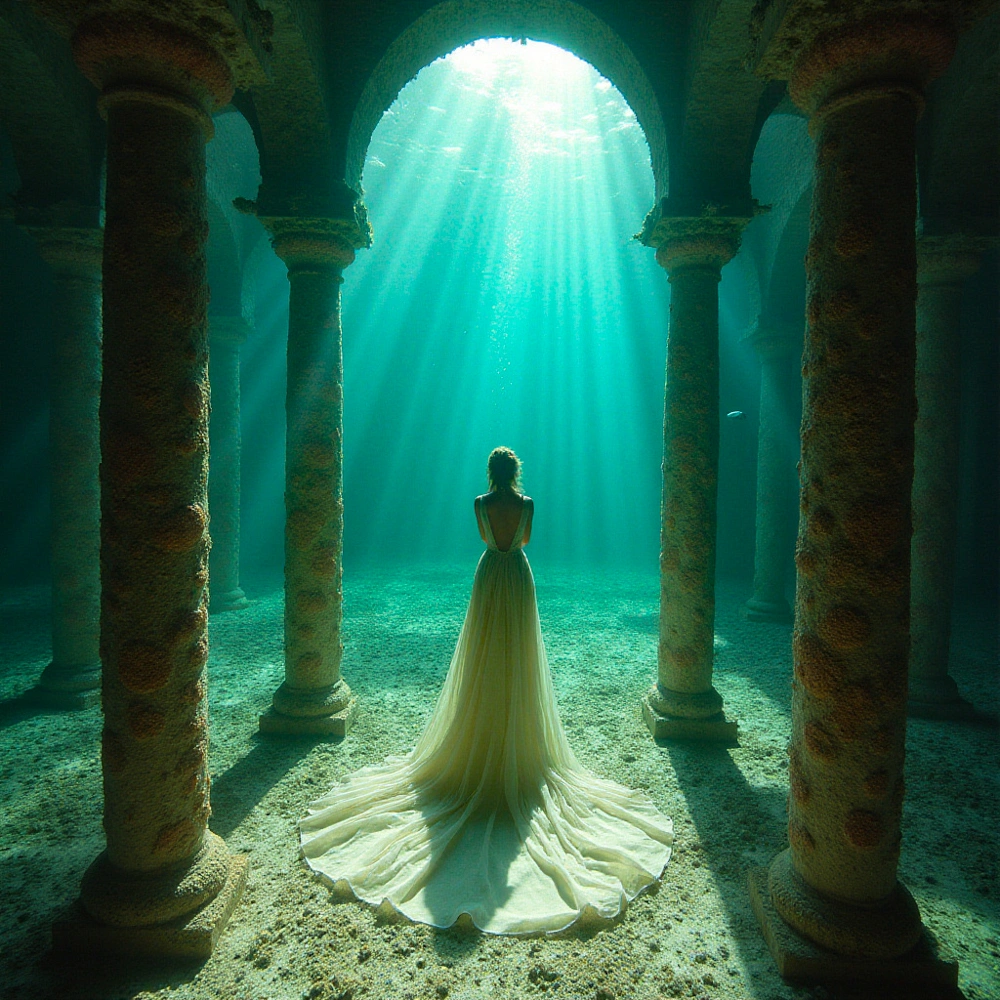
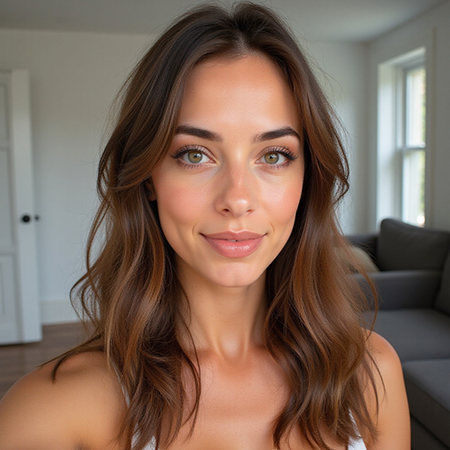
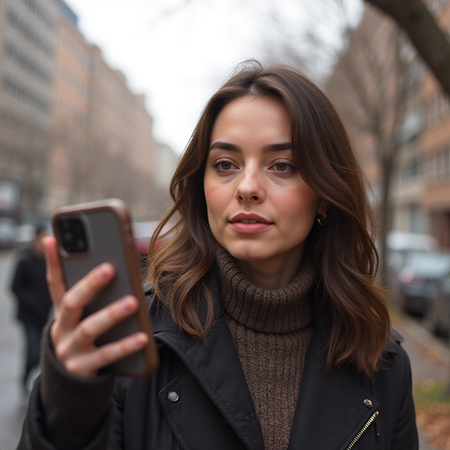
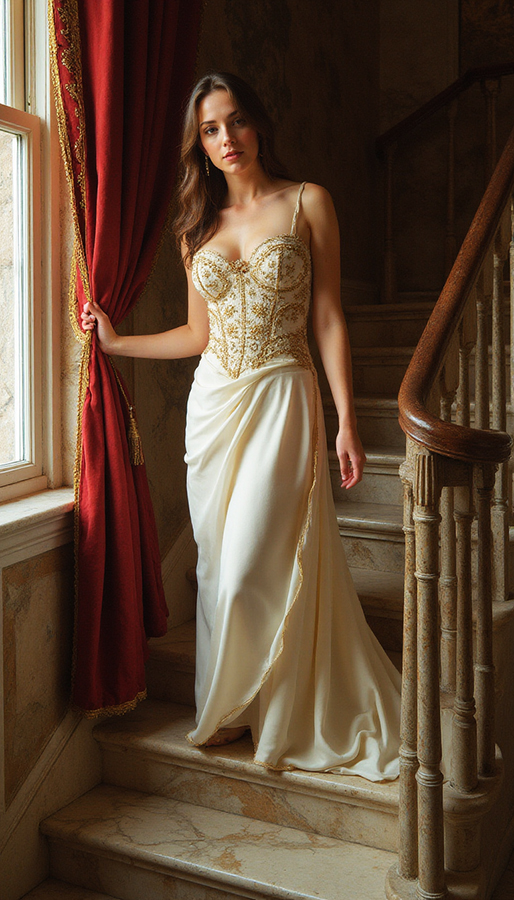
Generate anything. With someone specific.

Images, edits, composites, upscales and video — every model worth using, in one prompt box. Plus a character you trained yourself.

Flux · Nano Banana 2 · Seedream 5 · GPT Image 2 · Seedance · And more
Web iOS Android Always in sync
The problem

AI forgets who you are.

That is fine for concept art. It is useless when the subject is supposed to be someone.

A different face every time

Run the same prompt twice and the person changes.
A new scene causes drift

Change the light, angle or location and the likeness slips.

A model switch resets everything

Move to another tool and you start again with a reference photo.

How it works

Three steps, and then it remembers.

01

Upload

Pick 3 to 30 photos of a person or pet. That is the whole setup.

02

Train

We build a private model of your subject. If training fails, your credits come straight back.

03

Create

Drop your character into a prompt, or pick a theme and run a whole shoot in one tap.

Train once

One person. Every world.

A reference photo gives you a resemblance. A trained character keeps the same person across a whole shoot—at new angles, in new light and in scenes the originals never contained.
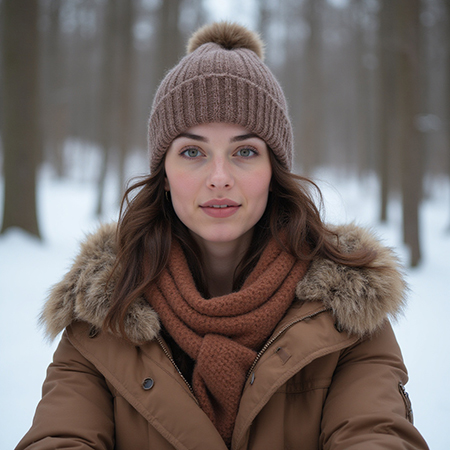
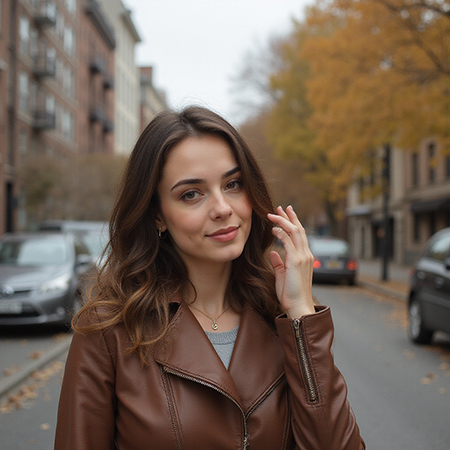
People or pets Private by default Three characters ready to try
Character training photo 1Character training photo 2Character training photo 3Character training photo 4
Result generated with the trained character Same character
Image to video

A single frame. A whole new moment.

Start with a photo or an image you created. Describe the movement you have in mind, then turn that still into a video. From a frozen wave to a ride in motion.
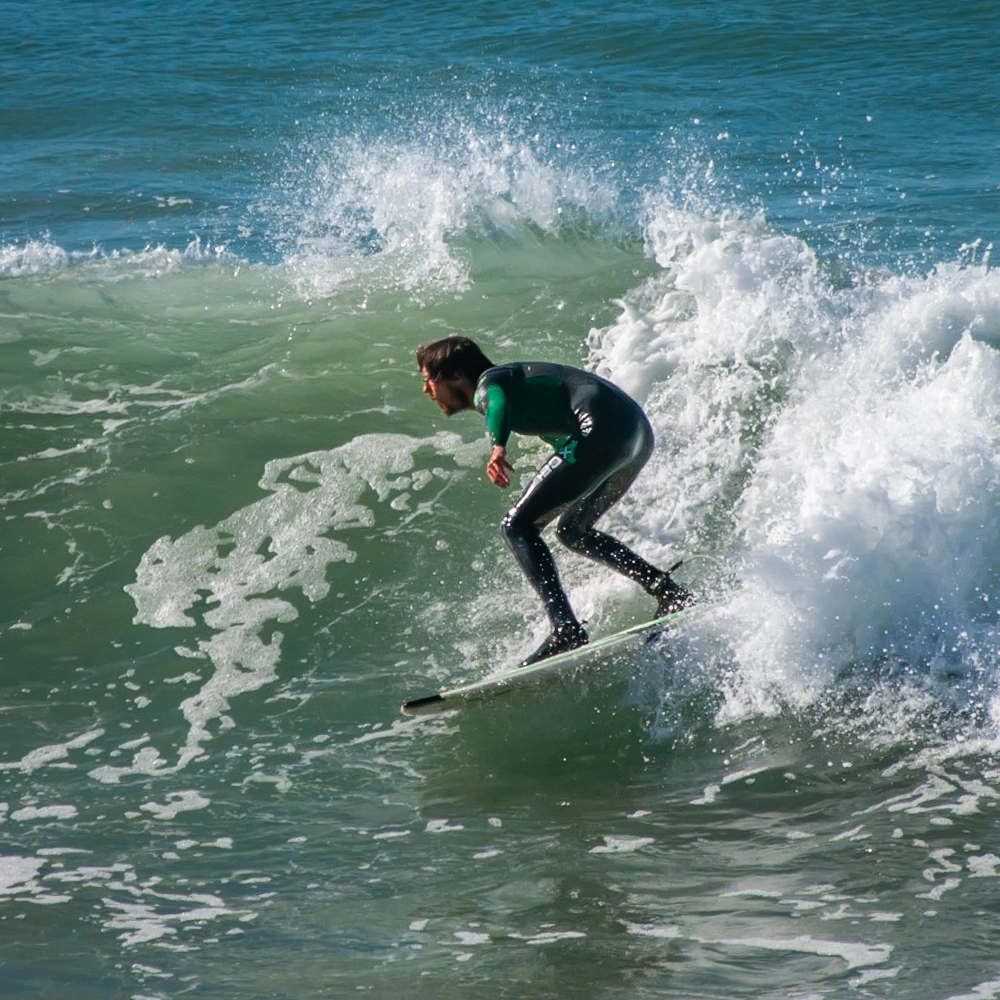
Start with an image
A surfer crouching on a board as a wave breaks around them
Bring it to life
Web · iOS · Android

Start anywhere. Pick up everywhere.

Start a generation at your desk. Check the result on your phone. Edit it somewhere else. Your library, characters, balance and progress stay current across every device.

Automatic resync after sleep Live generation progress Native camera and photo picker Native saving and sharing
Library synced
Generated image shown in the mobile app
Ready on mobile
Keep creating

Generating is where it starts, not where it ends.

Every result returns to your private library. Reuse it as a reference, change it, combine it, enlarge it or turn it into video.

Generate
Edit
Combine
Upscale
Animate
Back to your library
The model zoo

Every model worth using. One prompt box.

One balance, no tab-switching. The credit cost sits on the model before you commit.

FLUX DevHyperRealismCreativeNano Banana 2Seedream 5GPT Image 2SeedancePruna AIQWEN Image
A prompt that travels

Write it once. Switch models freely.

Type @ to add a character, reference image or saved bundle. Change models and imai.ge rewrites the references into the grammar that model expects.

PromptHyperRealism

A cinematic portrait of Lena wearing the jacket from image 2 in warm afternoon light

References ready for this model
Six ways to create

One studio, from first frame to final cut.

Generate something new, reshape what you already have, or carry an image into motion.

Generate

Your character, anywhere.

Drop your character into any prompt and put them in any scene, style or light. Make up to four takes at once.

Flux · character strength · styles · repeatable seed

Photoshoot

Direct the shoot, not the prompt.

Choose Portrait, Cinematic, Landscape, Street, Dreamy or Noir, then control framing, focus, lighting and film colour.

Six looks · 24–85 mm · f/1.4–f/16

Edit

Change one thing. Nothing else moves.

Load any image and describe the change in plain language. Choose from fast models through to text-and-layout specialists.

Eight edit models · up to 4K

Combine

Fourteen references. One image.

Bring several images into one prompt: the jacket from one, the room from another, the person from a third.

Up to 14 reference images

Upscale

Bigger, and still believable.

Take an image up to four times the size, with separate controls for realism and added detail.

2× · 4× · target 2, 4 or 8 MP

Video

Give it a start frame. Get a shot.

Animate an image or build a shot from references and time cues, with quality, duration, sound and camera controls.

Up to 12 seconds · 1080p · optional sound

Curated theme packs

A whole shoot, in one tap.

Pick a character, pick a theme, and get a finished set in one action. Paris in the late sun. Executive portraits. Cyberpunk noir. New themes land regularly.

Executive Portraits exampleExecutive Portraits example

Executive Portraits

Studio charcoal, boardroom glass and marble lobbies, polished executive presence.

6 shots Men & Women Ready to run
Paris Trip exampleParis Trip example

Paris Trip

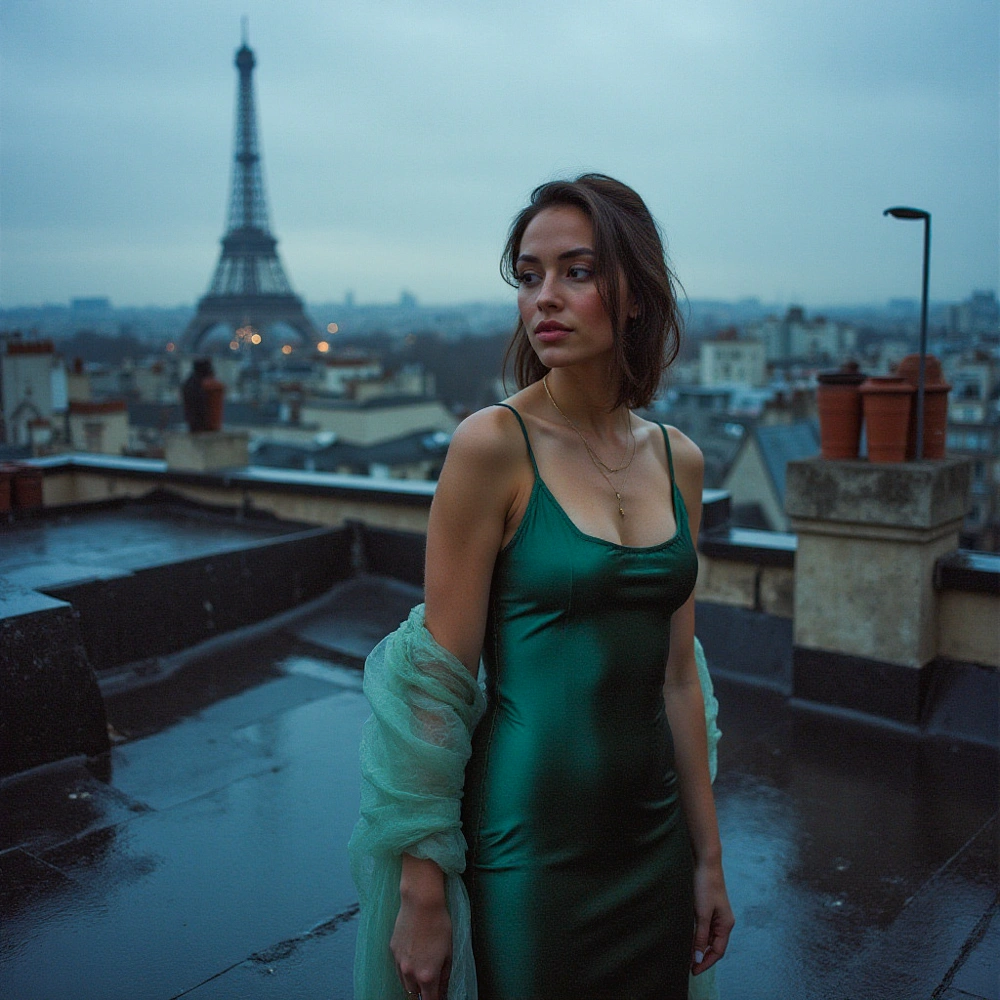
Low-sun Seine bridges, zinc rooftops and late-night bar light across one Paris weekend.

6 shots Men & Women Ready to run
Cyberpunk Noir exampleCyberpunk Noir example

Cyberpunk Noir

Rain-slick neon alleys, smoke-filled offices and pulp-detective shadow.

6 shots Men & Women Ready to run
Dating Profile Shots exampleDating Profile Shots example

Dating Profile Shots

Easy, warm candids that look like the best day of an ordinary week.

6 shots Men & Women Ready to run
Couture Runway exampleCouture Runway example

Couture Runway

Runway strobes, couture texture and backstage grit under blinding show light.

6 shots Men & Women Ready to run
Alpine Winter Hamlet exampleAlpine Winter Hamlet example

Alpine Winter Hamlet

Lantern-lit Alpine snow, mulled wine and firelit chalets in the deep of winter.

6 shots Men & Women Ready to run
Baroque Opulence exampleBaroque Opulence example

Baroque Opulence

Candlelit gilded salons, brocade and Old Master shadow, 17th-century excess.

6 shots Men & Women Ready to run
Cosmic Explorer exampleCosmic Explorer example

Cosmic Explorer

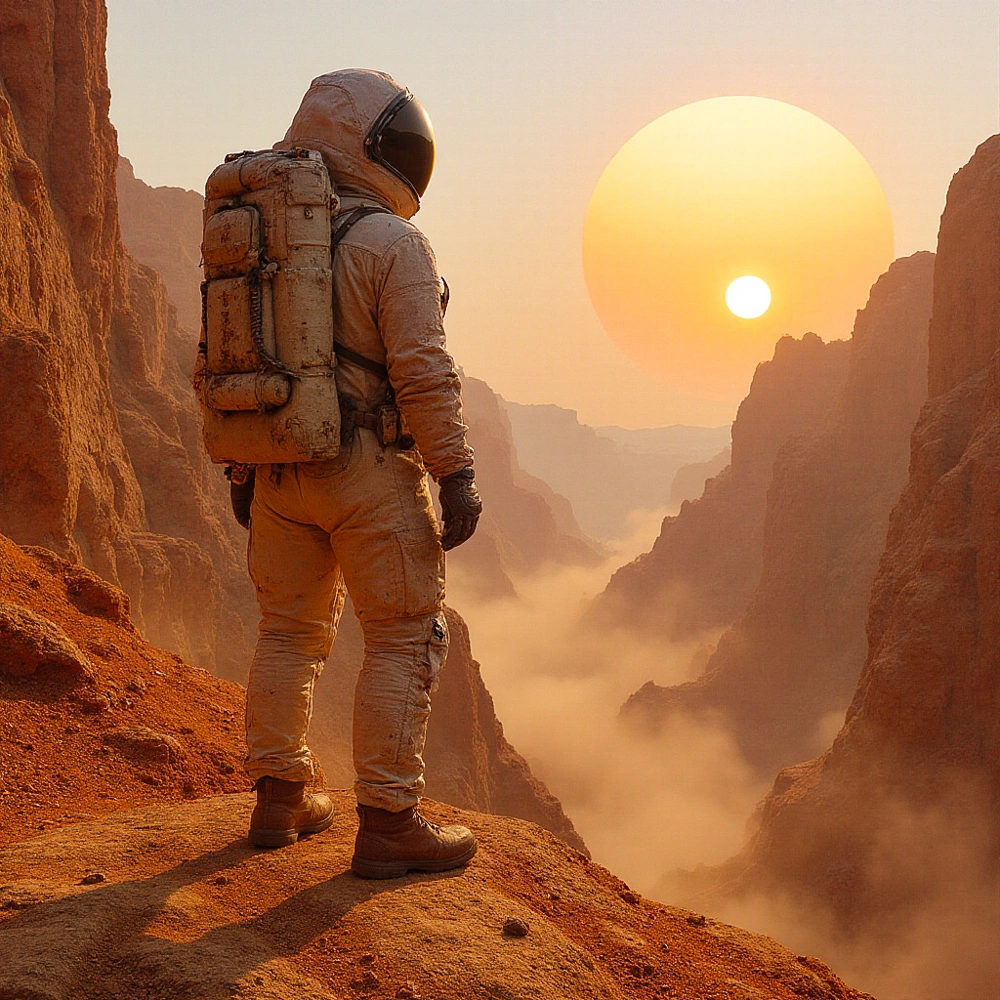
Twin suns, quartz spires and the quiet awe of walking an unmapped world.

6 shots Ready to run
Quantum Realms exampleQuantum Realms example

Quantum Realms

Interference light, lagging reflections and impossible geometry in a black void.

6 shots Ready to run
Neon Dystopia exampleNeon Dystopia example

Neon Dystopia

Megacity smog, kilometre-high signage and chrome-limbed crowds at street level.

6 shots Men & Women Ready to run
Steampunk Adventure exampleSteampunk Adventure example

Steampunk Adventure

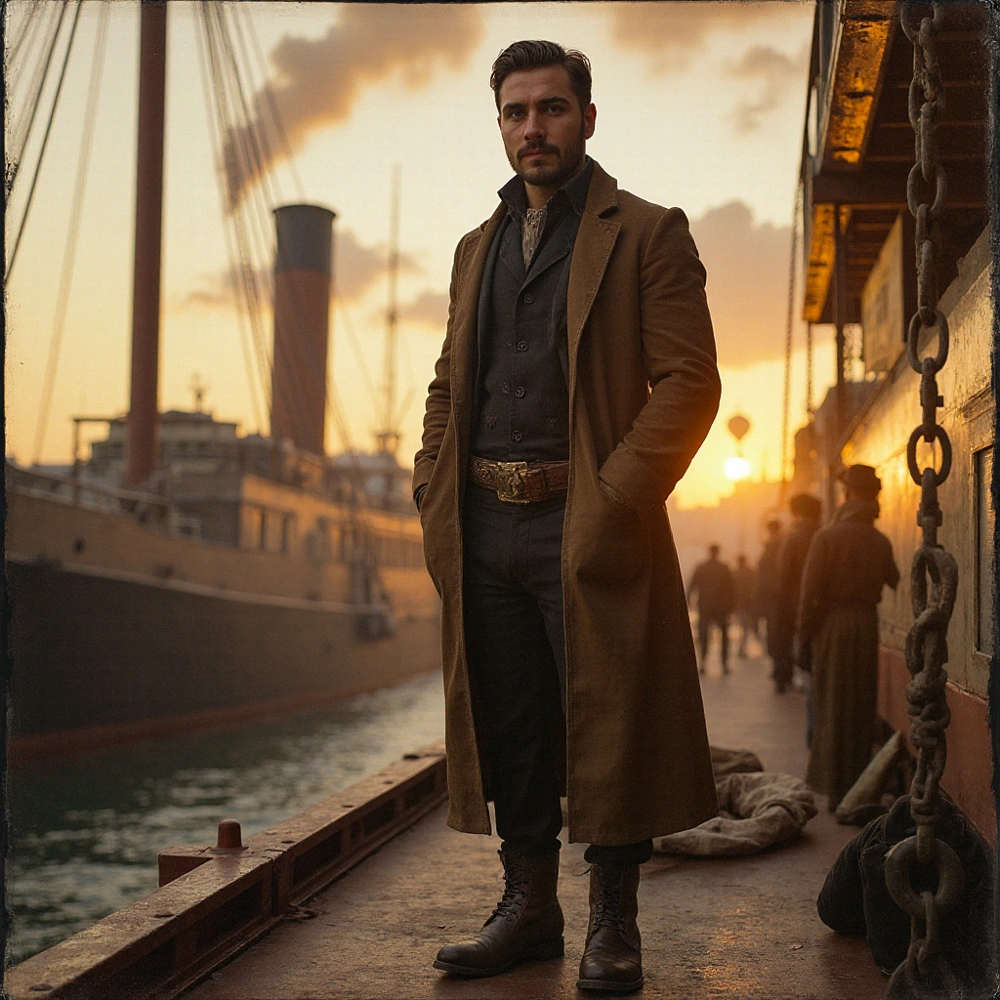
Brass gadgets, airship decks and gaslit fog in a Victorian machine age.

6 shots Men & Women Ready to run
Underwater Realm exampleUnderwater Realm example

Underwater Realm

Coral palaces, bioluminescent glow and sunlit ruins of a drowned kingdom.

6 shots Ready to run
Mystic Highlands exampleMystic Highlands example

Mystic Highlands

Fog-drowned glens, standing stones and drifting witchlight in an enchanted realm.

6 shots Ready to run
Tropical Island Getaway exampleTropical Island Getaway example

Tropical Island Getaway

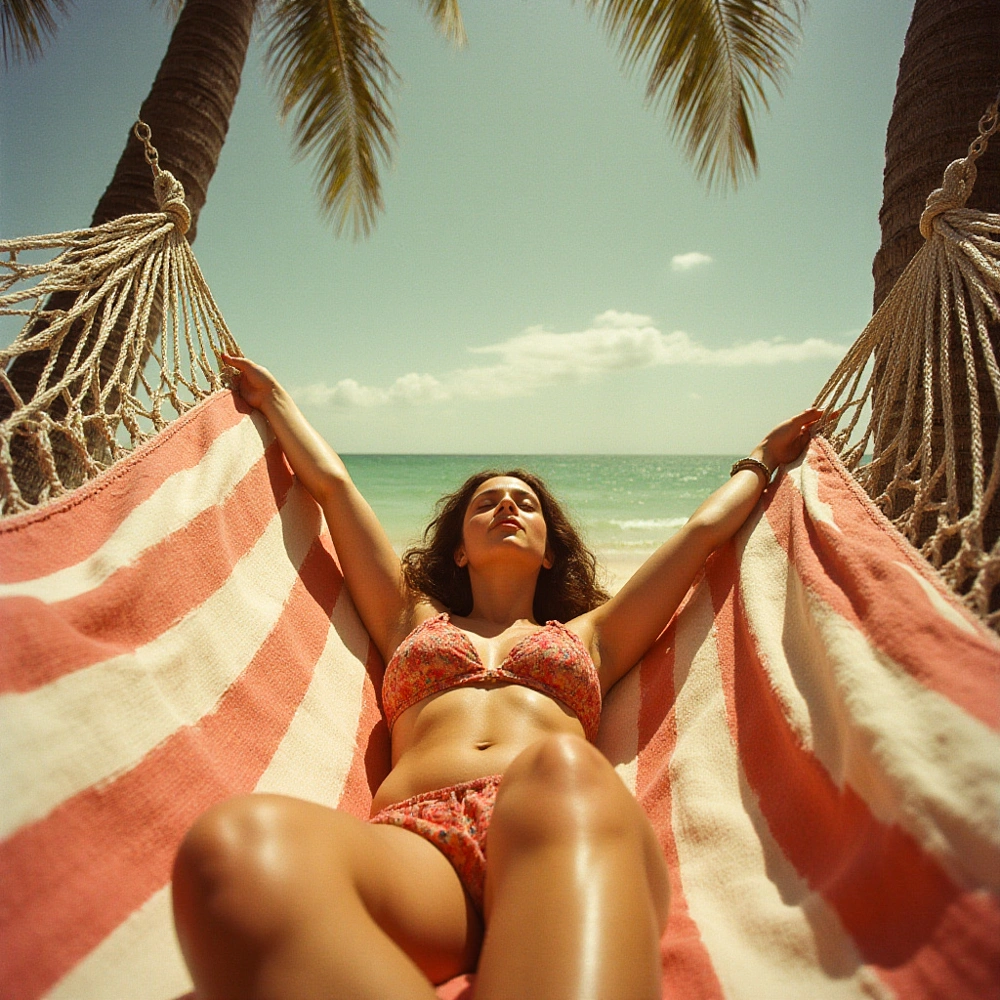
Turquoise shallows, salt-bleached jetties and golden-hour Caribbean light.

6 shots Ready to run
Ancient Desert Odyssey exampleAncient Desert Odyssey example

Ancient Desert Odyssey

Sun-scorched dunes, sandstone ruins and lamplit tents along a caravan road.

6 shots Ready to run
Dark Academia exampleDark Academia example

Dark Academia

Rain-dark reading rooms, brass lamps and chalk dust in an old university.

6 shots Ready to run
Analog Summer '73 exampleAnalog Summer '73 example

Analog Summer '73

Sun-flared Kodachrome road trip: chrome, motel neon and heat off the asphalt.

6 shots Ready to run
From the library

Made with imai.ge.

Every one of these started as somebody's photos.

Plans and credits

Know what it costs before you press the button.

Plans are bought with money. Everything you make uses credits. Every action is quoted live, and the number shown is the number charged.

Subscription credits refresh each month and do not roll over. Credits you top up do not expire.

See plans in the app
HyperRealismSquare · 1K
1 imageCharacter: LenaRepeatable
Exact cost10 credits
Ready

Quoted live as model and settings change.

Failed work costs nothing. Reserved credits return automatically.

Your balance updates live without refreshing.

Built in the Netherlands

Private by default.

What you upload and what you make belongs to your private library. There is no public gallery and nothing gets published without you.

Short-lived private links 30-day deletion undo Trained likeness models included in erasure

Questions, answered plainly.

What character training changes, how credits work, and what happens to your content.

Why train a character instead of using a reference photo?
A reference photo gets you a resemblance. A trained character gets you the same person at any angle, in any light and across a whole shoot—including scenes the reference photo does not contain.
How many photos do I need?
Between 3 and 30. More varied photos generally give the model a better understanding of the subject.
What can I train?
A person or a pet.
Can I use my character with every model?
Your character works with the Flux models used for generation. Once you have an image, you can edit it, combine it with other images, upscale it or animate it with the other models in the studio.
What happens if a generation fails?
Nothing is charged. Credits are held when work starts and only spent when a result comes back.
Can I add more photos to a character later?
No. A character is fixed once training starts. To change the photo set, train a new character.
Who can see what I make?
Only you. Uploads and generated work are private by default and served through short-lived private links. There is no public gallery or feed.
What happens if I delete my account?
We erase your content, including the character models trained from your photos. You have 30 days to change your mind: sign back in during that window and your account is restored.
Do my credits expire?
Subscription credits refresh each month and do not roll over. Credits you buy as a top-up do not expire — they stack on whatever you have left.
Is there an app?
The browser version works across devices and is the fastest way to start. Native iOS and Android apps are also available.

Train your first character.

Start in the browser. Nothing to install.